Automated investment management service
We built the app for an automated investment service in which AI builds a portfolio of domestic and overseas stocks, ETFs, and pension products to match the investor's risk profile, and rebalances the asset allocation periodically. Starting from an app already released on another platform, we analyzed its source code and screen behavior directly, set the scope, and rebuilt it to fit the target platform's screen structure. Returns and asset allocation are the numbers investors watch most closely, so a display that is off becomes a trust problem at once. The work covers the portfolio charts, the product sign-up flow, and display checks on the financial screens.
A port that started from the source code and was rebuilt around the screen flow
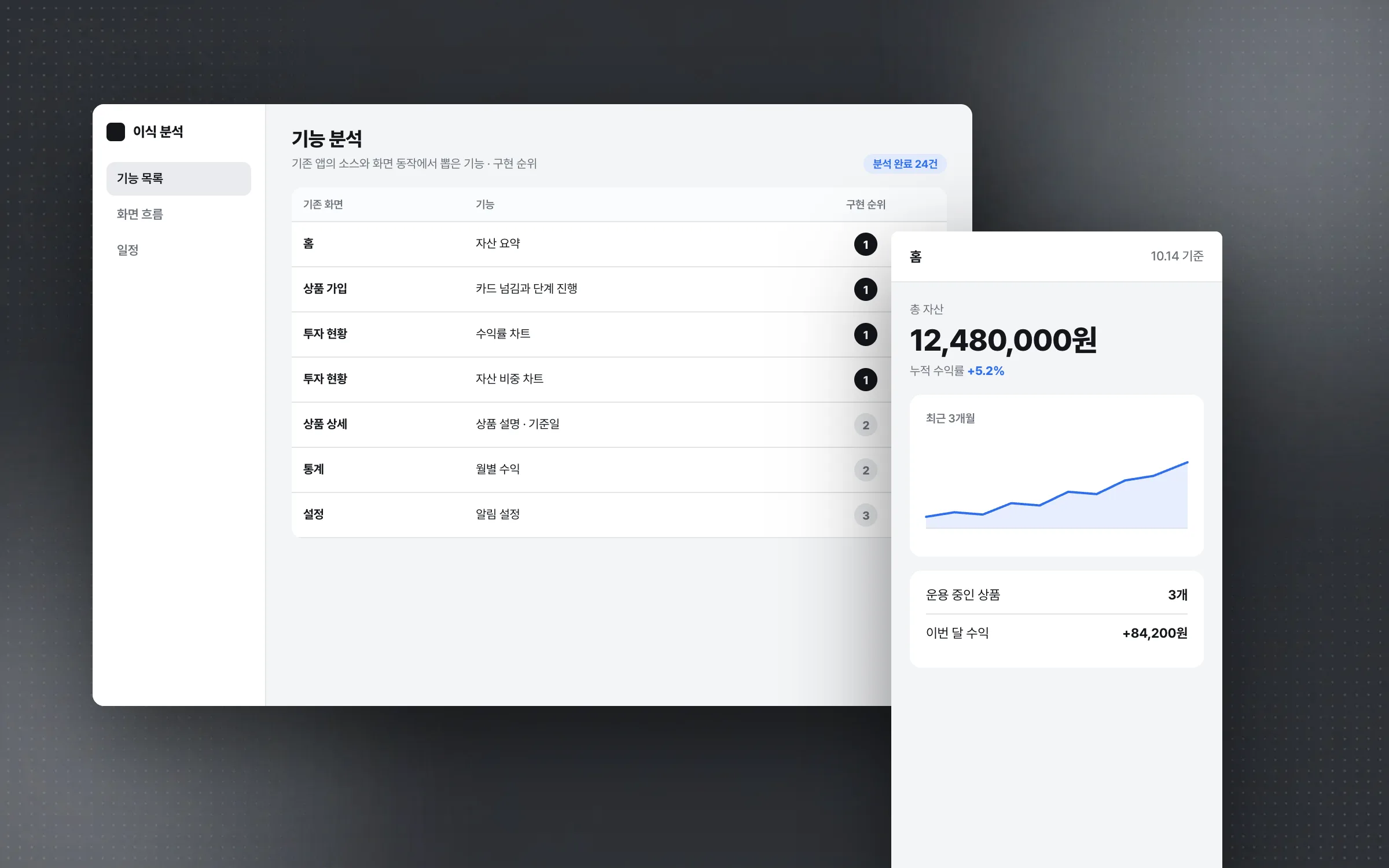
The automated investment app had already shipped on another platform, and the work began with a direct analysis of that app's source code and screen behavior. The analyzed features were listed to set the scope, and instead of copying the existing implementation as is, they were rebuilt to fit the target platform's screen structure and user flow. The schedule was short, so priorities were set feature by feature, with the product sign-up flow and the investment charts at the center, balancing speed and stability.

Investment charts that read by shape before the numbers
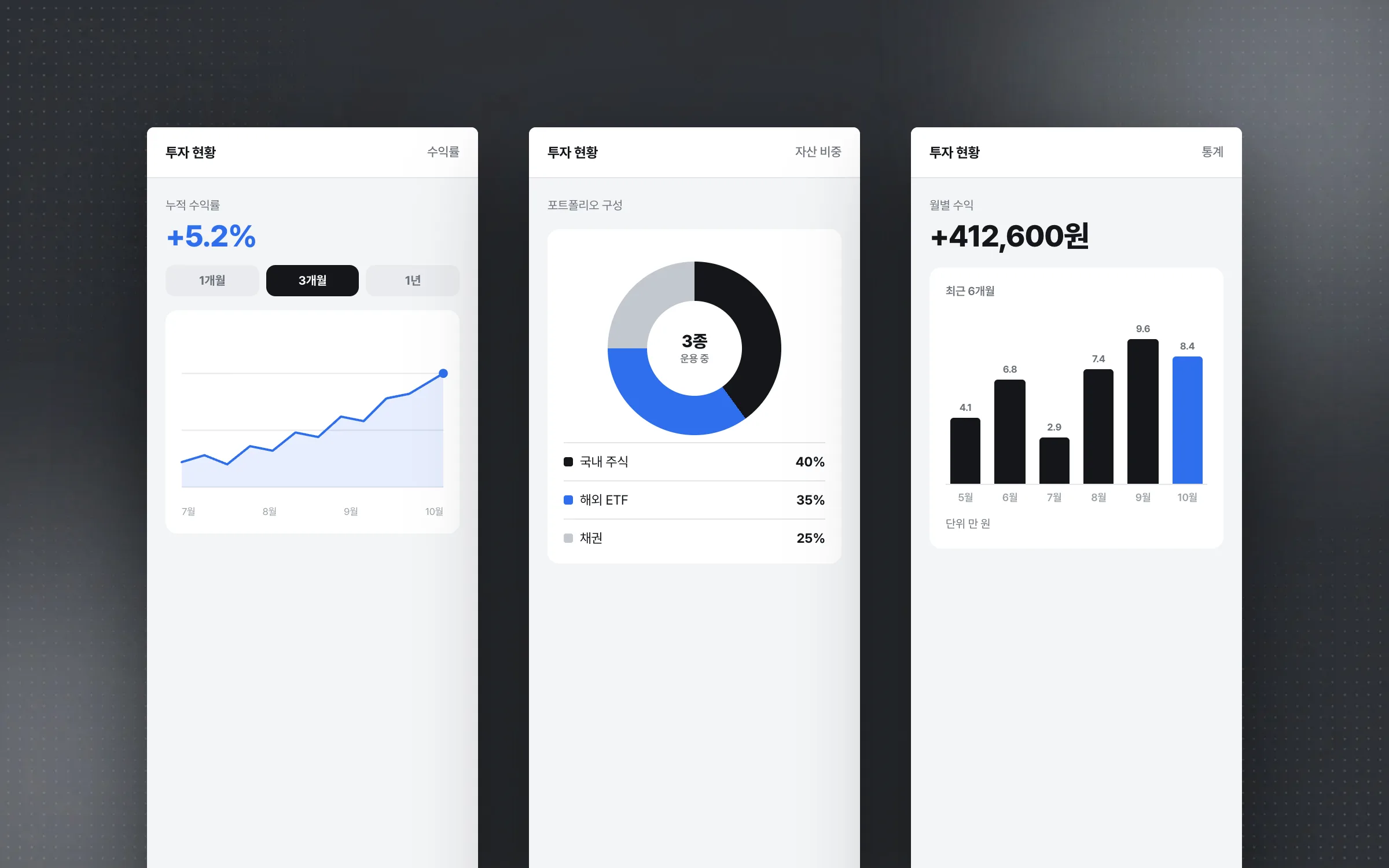
The portfolio screens of the automated investment app show returns, asset allocation, and statistics as charts. Because the algorithm rebalances the allocation periodically, these charts are where investors check how much of their money currently sits in which asset. Line, bar, and pie charts are each used where they fit the screen's purpose, so investors grasp performance and portfolio makeup by shape before reading the numbers one by one. The chart type and the data shown were chosen per screen, according to the question that screen has to answer.

Swiping through product cards and stepping straight into sign-up
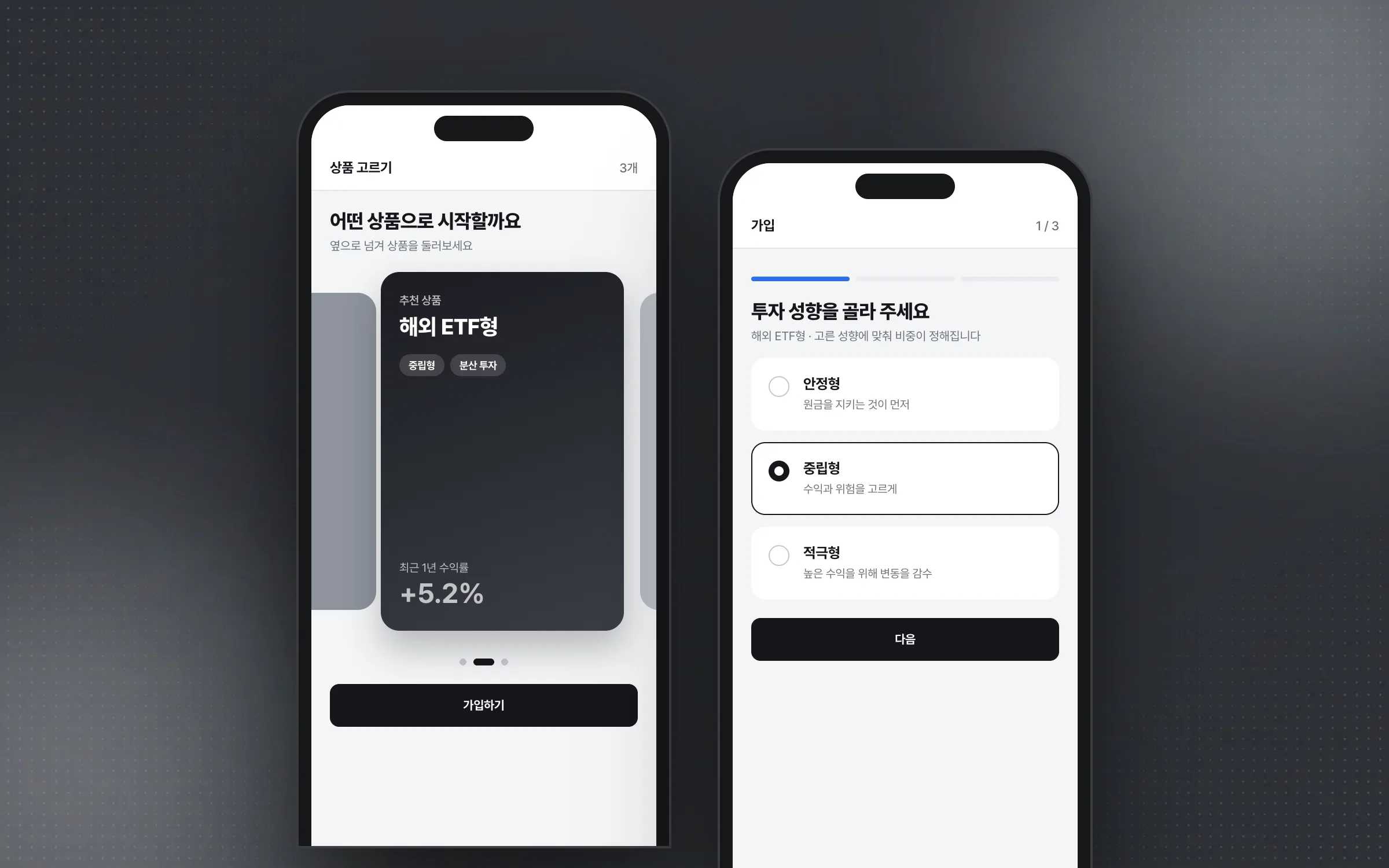
Signing up for a robo-advisor product means browsing investment products, from domestic and overseas stocks and ETFs to personal and retirement pension accounts, and their descriptions laid out as cards, swiping sideways to choose. The card screens and swipe interaction were built so that browsing a product flows naturally into the next step. Product screens carry a lot of content, so they were built in sections, each with its own data structure and cell layout, so that adding or changing a feature touches only that section.

Checking financial screens so not a single return figure is off
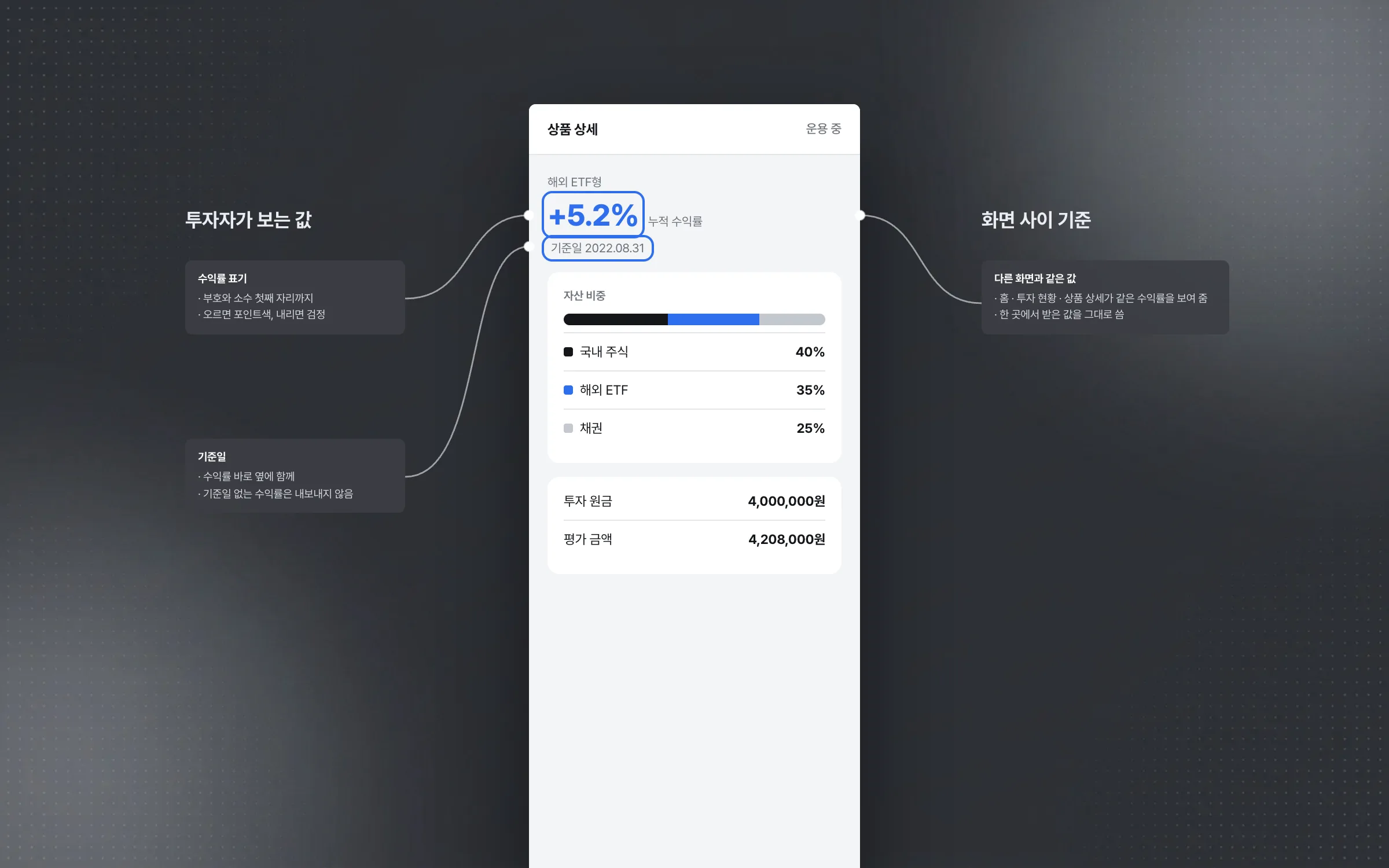
Investment information, product descriptions, and return figures are the financial data investors react to most sensitively. On those screens, edge cases were checked one by one so that no display errors or mismatched states between screens could appear. If the same return looks different from one screen to the next, investors doubt the service before they doubt the arithmetic.

Highlights
A rebuild on another platform, starting from the existing app's source code
Portfolio status that splits returns, allocation, and statistics across line, bar, and pie charts
A sign-up flow where swiping through product cards leads straight into enrollment
Insights
GA4 client_storage: 'none'은 정말 쿠키를 막을까?
두 달 전 이 블로그에 「GA4 쿠키 없이 쓰기」라는 글을 썼습니다. clientstorage: 'none' 으로 쿠키 저장을 끄고, 자체 분석이 쓰던 익명 ID 를 clientid 로 넘기면 쿠키 0개로 GA4 를 쓸 수 있다는 내…
GA4 Measurement Protocol: gtag.js 없이 서버에서 이벤트 보내기
랜딩 페이지의 전송량을 파일 단위로 쪼개 보다가, 가장 큰 파일이 우리 코드가 아니라는 것을 알았습니다. Google Analytics 의 gtag.js 였고, 방문 한 번에 176KB 를 받고 있었습니다. 페이지 전체가 1,094K…
중소 제조업 AI 도입 순서: DX를 먼저 끝내야 할까?
공장을 가진 중소·중견 제조기업 16만여 곳 가운데 스마트공장을 도입한 곳은 19.5%입니다. 회사가 작을수록 이 비율은 더 떨어집니다. 중소벤처기업부가 2025년 4월에 낸 제1차 스마트제조혁신 실태조사 결과입니다. 그림: 기업 규…
Next.js loading.tsx와 404: 버튼이 화면보다 먼저 살아나게 하기
관리 화면 왼쪽 위에 사이드바를 접고 펴는 ☰ 버튼이 있습니다. 폭 하나 바꾸는 버튼인데, 대시보드에서 누르면 2초 넘게 아무 반응이 없었습니다. 레이아웃만 바꾸는 일이 왜 이렇게 오래 걸리는지부터 들여다봤습니다. Next.js 16…