Data visualization for a web service
When the Korean arm of a global consumer-goods company fully rebuilt its official web service, we took on the chart screens that present product and promotion data. The rebuild aimed to renew the online channel between consumers and brands and to convey product and brand information clearly. A chart with correct numbers still fails if the change does not catch the eye, so we designed the display and behavior to make changes in the data show up on screen right away. The work covered the visualization screens and chart components reused across the site.
Web screens that turn product and promotion data into charts
In the rebuild of a global consumer-goods company's official web service, we implemented the screens that show product and promotion data as charts. The company supplies many household and cosmetics brands in Korea, and its official web service is where consumers get product information for those brands. The rebuilt site was meant to convey product and brand information clearly, and the chart screens carried the part of that information told through data. The standard for each chart was that readers see what is larger and what has grown before reading any single number.

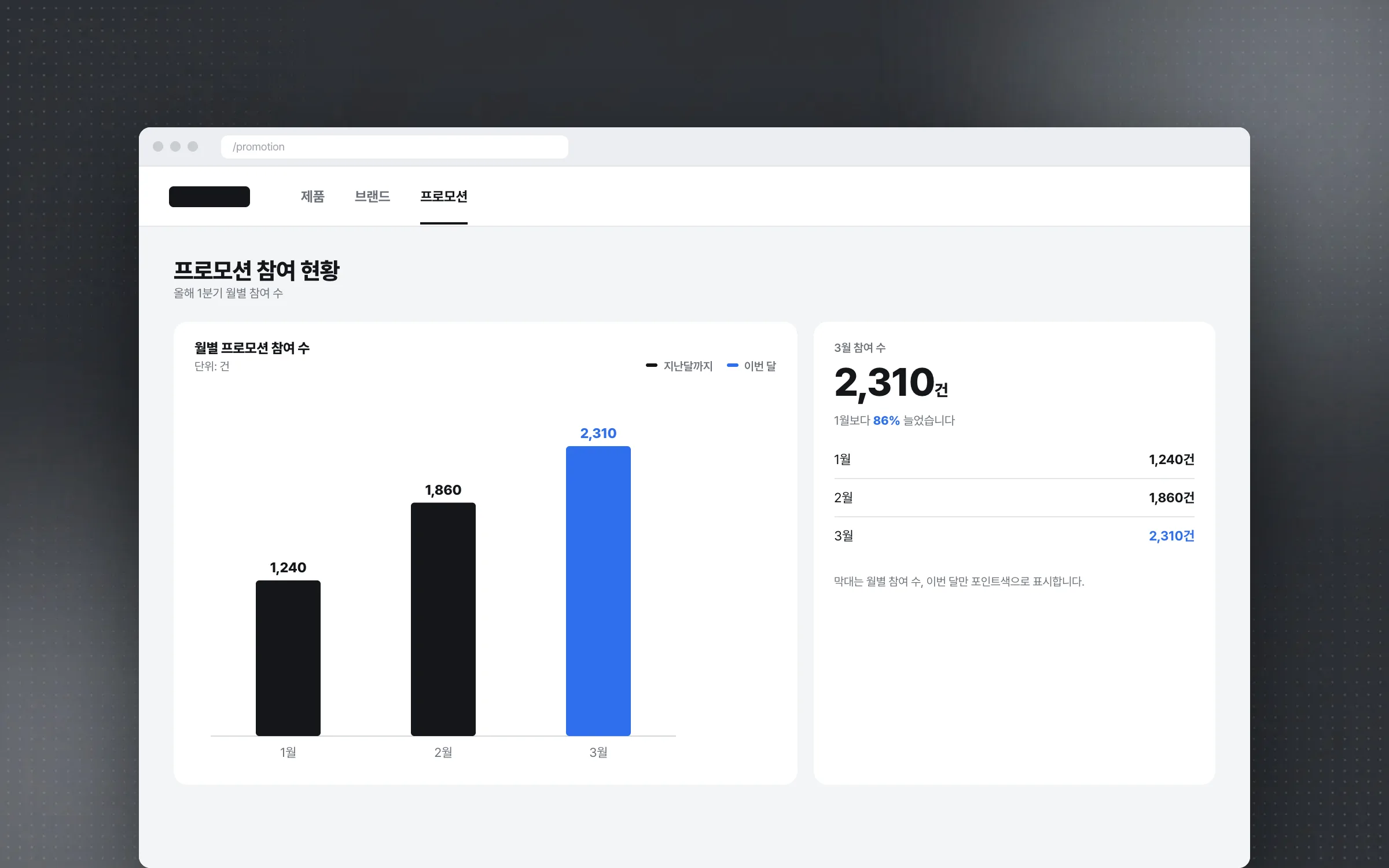
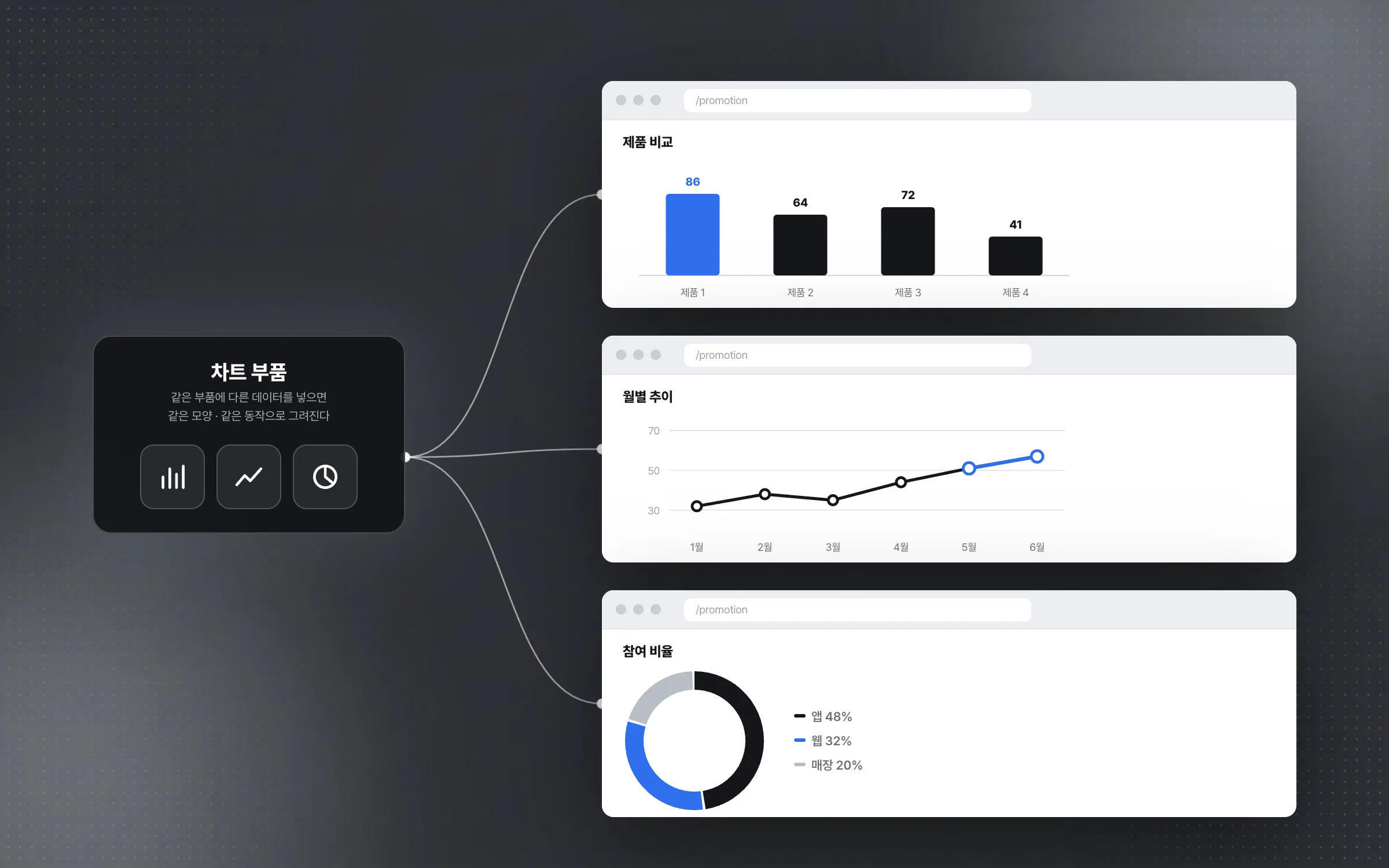
Chart components built once and reused across screens
We built the charts and visualization views used throughout the web service as reusable components. Feeding the same component different data draws a chart with the same look and behavior on a different screen. As more screens needed charts during the rebuild, none had to be built from scratch.

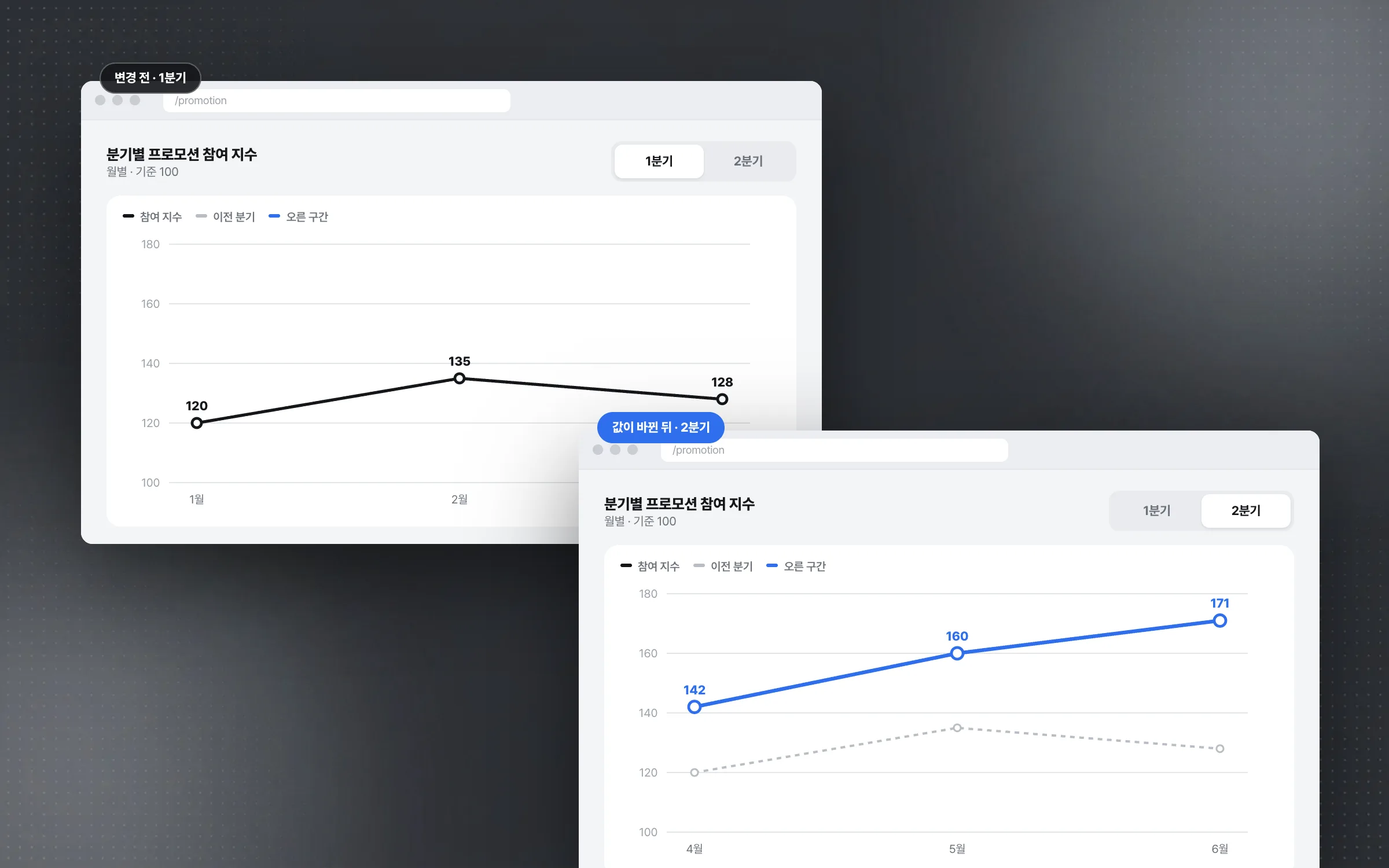
Interactions where the screen moves as the data changes
A chart reads as information only when changes in the data show up on screen right away. We designed the interactions and display so that when a value changes, the chart redraws in a way the eye can follow. The standard was that readers notice the change through the movement of bars and lines before comparing any numbers.

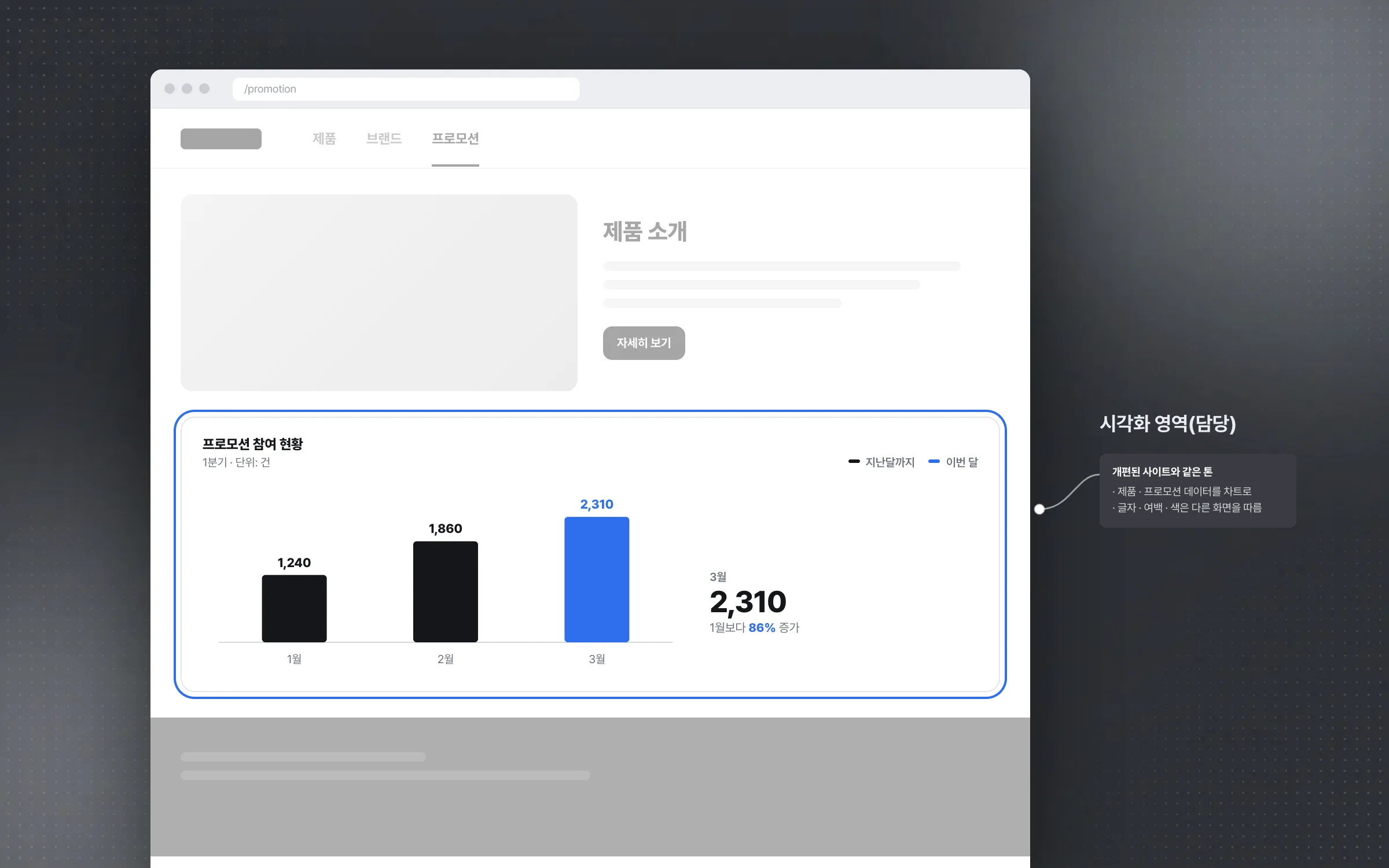
A visualization area set within the rebuilt site's tone
The chart screens had to match the quality and presentation of the rest of the fully rebuilt web service. In step with the rebuild, we refined the screen quality and content presentation of the visualization area so that product and brand information came across clearly. This was a partial role: the visualization area within a rebuild project carried out by a digital agency.

Highlights
Web chart screens for product and promotion data
Chart and visualization components reused across screens
Display and interactions that make data changes visible at once
Insights
GA4 client_storage: 'none'은 정말 쿠키를 막을까?
두 달 전 이 블로그에 「GA4 쿠키 없이 쓰기」라는 글을 썼습니다. clientstorage: 'none' 으로 쿠키 저장을 끄고, 자체 분석이 쓰던 익명 ID 를 clientid 로 넘기면 쿠키 0개로 GA4 를 쓸 수 있다는 내…
GA4 Measurement Protocol: gtag.js 없이 서버에서 이벤트 보내기
랜딩 페이지의 전송량을 파일 단위로 쪼개 보다가, 가장 큰 파일이 우리 코드가 아니라는 것을 알았습니다. Google Analytics 의 gtag.js 였고, 방문 한 번에 176KB 를 받고 있었습니다. 페이지 전체가 1,094K…
중소 제조업 AI 도입 순서: DX를 먼저 끝내야 할까?
공장을 가진 중소·중견 제조기업 16만여 곳 가운데 스마트공장을 도입한 곳은 19.5%입니다. 회사가 작을수록 이 비율은 더 떨어집니다. 중소벤처기업부가 2025년 4월에 낸 제1차 스마트제조혁신 실태조사 결과입니다. 그림: 기업 규…
Next.js loading.tsx와 404: 버튼이 화면보다 먼저 살아나게 하기
관리 화면 왼쪽 위에 사이드바를 접고 펴는 ☰ 버튼이 있습니다. 폭 하나 바꾸는 버튼인데, 대시보드에서 누르면 2초 넘게 아무 반응이 없었습니다. 레이아웃만 바꾸는 일이 왜 이렇게 오래 걸리는지부터 들여다봤습니다. Next.js 16…